The quick version
Kindle Scribe Colorsoft UK is now the most interesting Kindle in the range and, for many people, the hardest to justify.
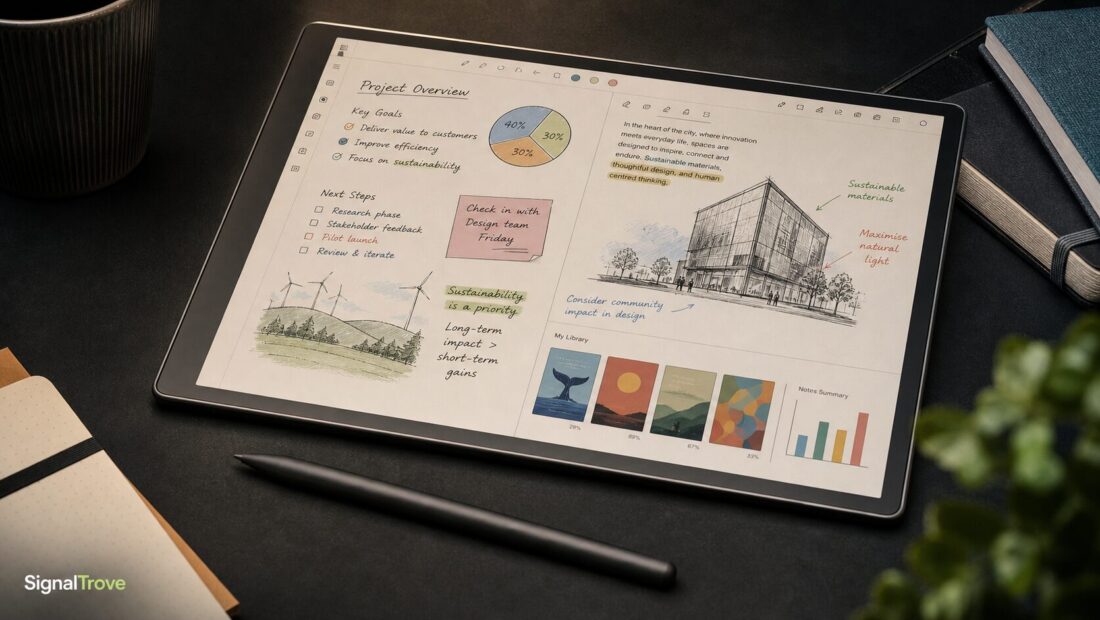
It brings colour writing and highlighting to Amazon’s large-screen Kindle Scribe format, with an 11-inch glare-free display, a paper-like writing surface, a pen that does not need charging, Google Drive and Microsoft OneDrive document support, OneNote export, and AI-powered notebook search.
The catch is the price. Amazon says the Kindle Scribe Colorsoft starts at £569.99, while the new standard Kindle Scribe starts at £449.99. That makes the colour model a tempting upgrade for visual note-takers, but not an obvious buy for everyone.
Quick summary
- Kindle Scribe Colorsoft UK is Amazon’s first colour Kindle Scribe.
- It uses an 11-inch glare-free display designed for reading, notes and document markup.
- Amazon says the new Scribe range is 5.4mm thin, 400g and 40% faster for writing and page turns.
- The Colorsoft model supports 10 pen colours, five highlighter colours and a shader tool.
- AI notebook search can help search handwritten notes and generate summaries.
- Pricing starts at £569.99 for Kindle Scribe Colorsoft and £449.99 for the standard Kindle Scribe.
- The colour model makes most sense if you regularly annotate PDFs, study notes, diagrams, books, comics or visual documents.
Colour is part of your workflow
You mark up documents, use colour-coded notes, read comics or textbooks, and want a focused e-ink notebook.
You want the price to settle
You like the idea, but want reviews, bundle offers, trade-in deals or clearer software support first.
You only need basic reading
You mostly read novels, take simple notes, or would rather have full tablet apps for the money.
1. The big upgrade is colour e-ink
The Kindle Scribe Colorsoft takes Amazon’s large writing Kindle and adds a colour display. That sounds simple, but it changes what the device is best at.
On a normal Kindle Scribe, notes, highlights and documents are built around black and white. That is fine for reading books and writing meeting notes. It is less ideal if you work with diagrams, presentation PDFs, textbooks, study guides, colour-coded research notes, comics or anything where colour carries meaning.
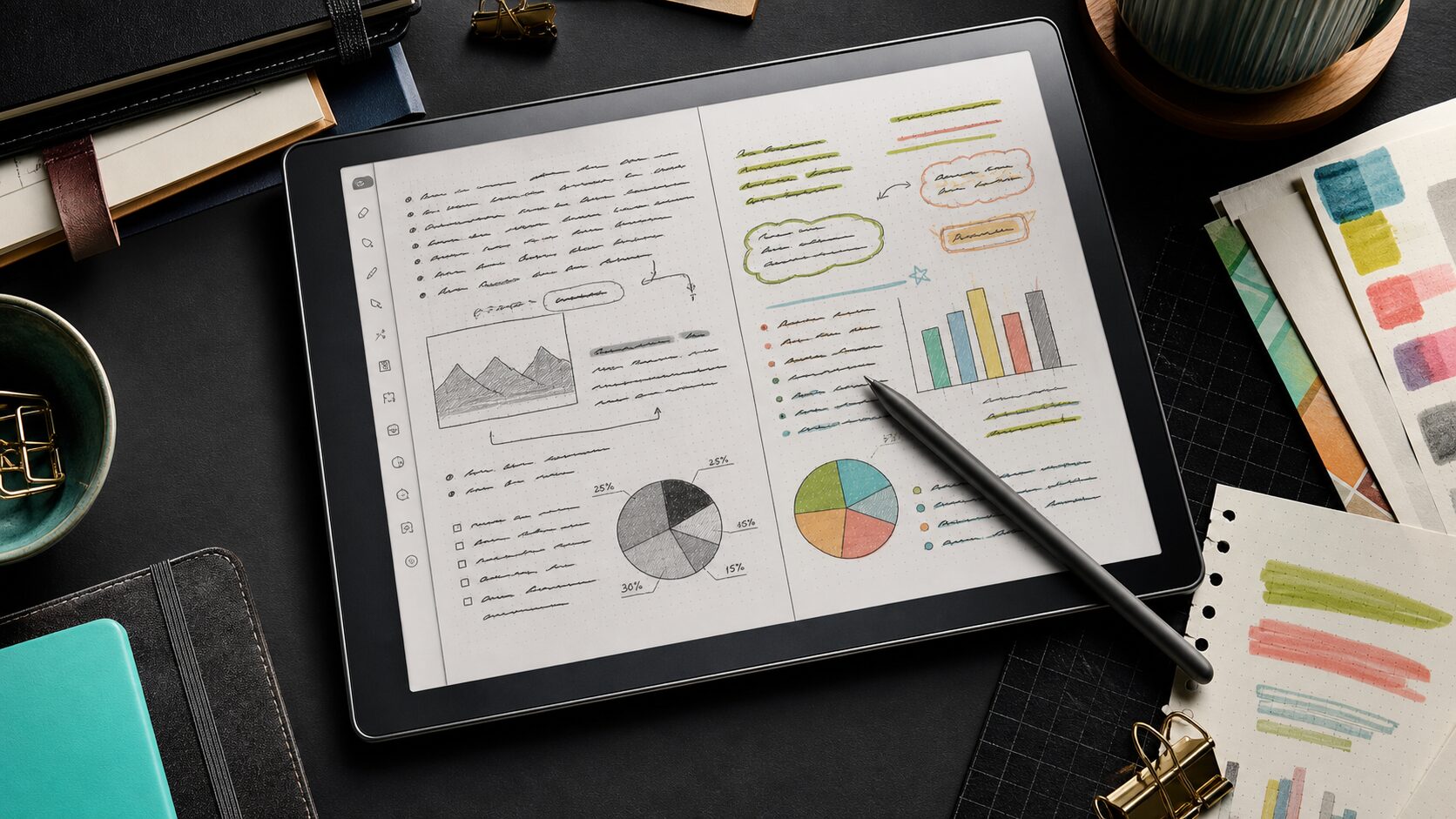
Amazon says the Colorsoft model supports 10 pen colours, five highlighter colours and a shader tool for subtle tones. That makes it more useful for visual thinkers, students, designers, planners and people who actually organise ideas by colour rather than pretending they will one day become a bullet-journal person.
The important limit: this is still e-ink. Colour e-ink is easier on the eyes than an LCD tablet, but it is not trying to match an iPad for brightness, animation, speed or app flexibility.
2. The price makes this a serious purchase
This is not a cheap Kindle with a fun screen upgrade. Amazon lists the Kindle Scribe Colorsoft from £569.99. The new standard Kindle Scribe starts from £449.99.
That roughly £120 jump is the core buying decision. If colour is central to how you read, study or work, the upgrade may make sense. If you just want a large Kindle with handwriting, the standard Scribe is the more sensible starting point.
It is also worth comparing the Colorsoft with a tablet. An iPad or Android tablet can do far more: video, apps, messaging, web browsing, richer drawing tools and multitasking. The Kindle Scribe Colorsoft is narrower by design. Its pitch is focus, battery life, an e-ink reading surface and a notebook experience without distracting apps.
That is either exactly the point or the reason to avoid it. If you are trying to avoid overpaying for a shiny launch, our guide to spotting overhyped tech products is a useful sanity check before buying.
3. The new Scribe design is thinner, lighter and faster
Amazon says the refreshed Kindle Scribe range is 5.4mm thick, weighs 400g, and is 40% faster for writing and page turns. The company also says the 11-inch glare-free display mirrors the proportions of a sheet of paper.
That larger screen size matters. A standard Kindle is excellent for books, but cramped for full-page PDFs, textbooks, worksheets and document markup. The Scribe is built for those moments where you want to read and write on something closer to paper size.
Amazon has also highlighted a new texture-moulded glass surface, reduced parallax, a quad-core chip, more memory and newer display technology. In plain English: the company is trying to make writing feel closer to pen on paper, with less lag and less of that slippery tablet feeling.
Do not read that as a review claim from us. We have not tested it. But on paper, the redesign is more than just “same Kindle, new colour”.
4. The productivity tools are the real story
The Kindle Scribe Colorsoft is not only a reading device. Amazon is positioning the new Scribe range as a productivity notebook.
The useful bits include Quick Notes from the Home screen, document import from Google Drive and Microsoft OneDrive, annotated PDF export, notebook sharing to Microsoft OneNote, a Workspace area for organising documents and notebooks, and AI-powered notebook search.
That last one could be genuinely useful if it works well. Natural-language search across notebooks is exactly the kind of feature that makes handwritten notes easier to trust. Instead of remembering the exact notebook or phrase, you can search more naturally and get AI summaries or follow-up help.
The privacy and reliability point still matters. If you use this for sensitive work, client documents, medical notes, legal paperwork or anything confidential, check Amazon’s data and cloud settings before leaning on AI features. Convenience is lovely. Control is better.
5. Some headline features are not available everywhere
Amazon says the new Scribe range can send notes and documents to Alexa+ for conversation, but that feature is listed as U.S. only in the official announcement.
That matters because product pages can make a device feel like one global feature set, when reality is often messier. AI features, subscriptions, cloud tools and assistant integrations can vary by country.
So, before buying, check the current Amazon listing for exactly what is included. Look at storage, colour options, pen bundle, cover prices, Kindle Unlimited trial terms, document support and any AI feature notes.
The device may still be worth buying without Alexa+ support. Just do not pay for a future feature you cannot actually use yet.
6. It is best for readers who also work on documents
The Kindle Scribe Colorsoft is most compelling if you live in the overlap between reading and document work.
It makes sense for students marking up lecture PDFs, researchers reading papers, professionals reviewing reports, writers planning chapters, teachers annotating resources, journallers who use colour, and comic or magazine readers who want a bigger e-ink screen.
It makes less sense if your Kindle life is mostly novels. For pure reading, a Kindle Paperwhite or standard Kindle is easier to carry and much cheaper. For full productivity, a tablet or laptop is more flexible. Our laptop buying guide is worth a look if you actually need a full work machine rather than a focused notebook.
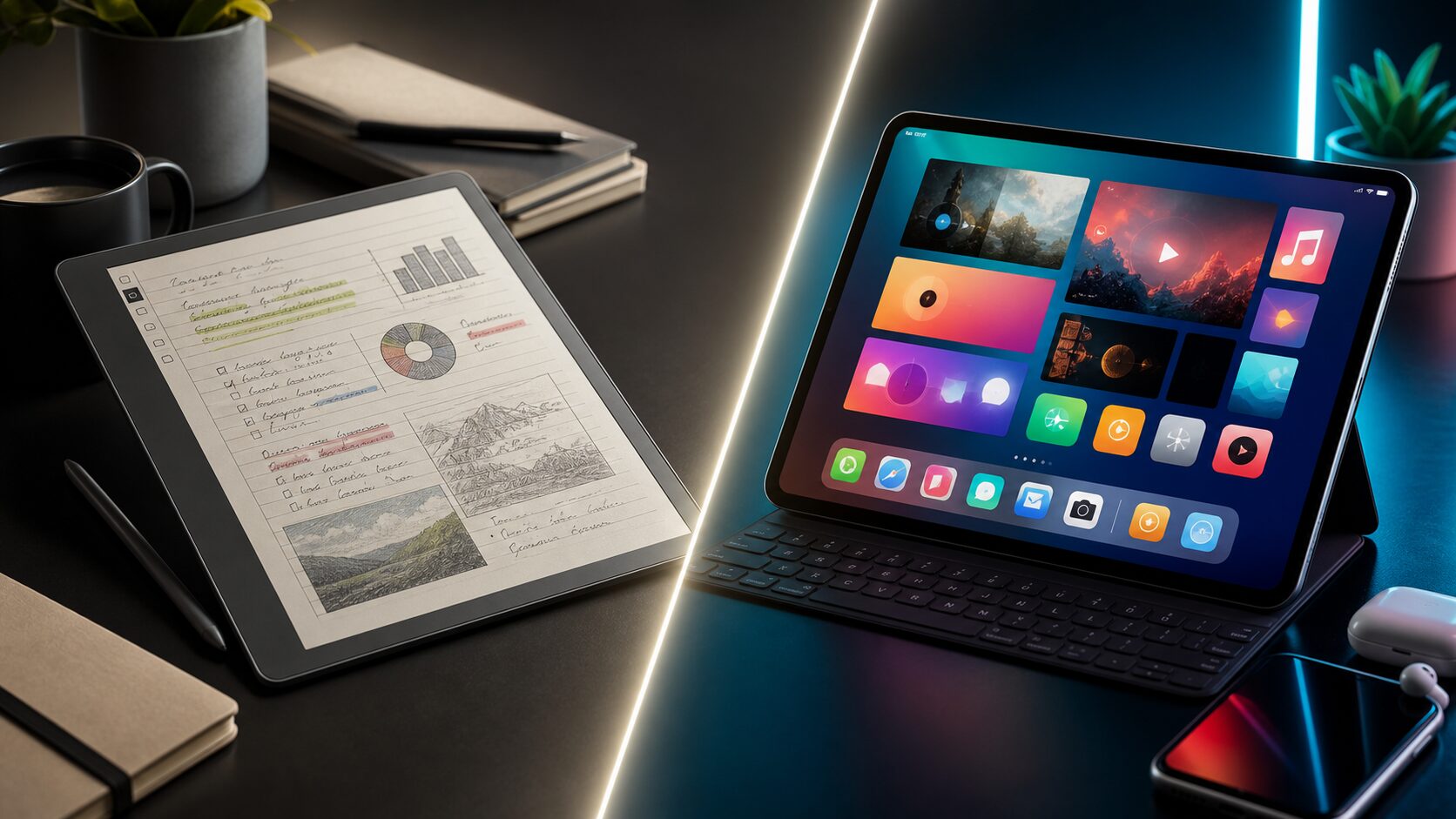
The Colorsoft sits in the middle: focused, premium, calm, and a bit niche. That is not a criticism. It just means you should know whether you are in the niche before spending £569.99.
7. Accessories and storage can push the real cost higher
The starting price is not always the final price. You may want more storage, a folio cover, replacement pen tips, or a Kindle Unlimited subscription once a trial ends.
That is normal for a device ecosystem, but it matters at this price. A large e-ink notebook is something you will probably protect with a case, especially if it is going in a work bag or student rucksack. Those extras can make the total cost feel closer to tablet money very quickly.
Before buying, price the whole setup: device, cover, storage option, any subscription you will keep, and whether you already own a device that can do enough of the same job.
Kindle Scribe vs Kindle Scribe Colorsoft
The simple version: the standard Kindle Scribe is the sensible pick for black-and-white reading, notes and PDFs. The Kindle Scribe Colorsoft is the premium pick for colour highlights, visual notes, comics, diagrams and colour-heavy documents.
Best for simpler reading and notes
Choose this if you want a large Kindle for books, handwriting and PDF notes at the lower starting price.
Best for visual work
Choose this if colour notes, highlights, comics, diagrams or visual planning are genuinely part of your workflow.
Best for full apps
Choose a tablet if you need video, messaging, web browsing, multitasking or advanced drawing tools.
SignalTrove take
The Kindle Scribe Colorsoft is one of those devices that sounds excessive until you imagine the right person using it every day.
For a student with piles of PDFs, a researcher who highlights everything, a professional who reviews documents, or a visual note-taker who hates glowing tablet screens, it could be a lovely bit of kit. The colour e-ink, paper-like display, pen, cloud document tools and AI notebook search all line up around a clear use case.
For everyone else, £569.99 is a lot of money for a focused notebook-reader. The standard Kindle Scribe is the better-value option if colour is not essential, and a tablet is the better all-rounder if you want apps and media.
The short version: buy Kindle Scribe Colorsoft UK for colour-first reading and note work, not because it is the newest Kindle.
FAQ
Is Kindle Scribe Colorsoft available now?
Yes. Amazon says the Kindle Scribe Colorsoft is available from £569.99.
How much is Kindle Scribe Colorsoft?
Amazon lists the Kindle Scribe Colorsoft from £569.99. The new standard Kindle Scribe starts from £449.99.
What is different about Kindle Scribe Colorsoft?
The biggest difference is colour. The Colorsoft model supports colour writing, colour highlights and colour documents on an 11-inch e-ink display, while the standard Scribe is black and white.
Does Kindle Scribe Colorsoft replace an iPad?
Not for most people. It is better viewed as a focused e-ink notebook and reading device. An iPad or Android tablet is more versatile, but also more distracting and less paper-like.
Should I buy Kindle Scribe or Kindle Scribe Colorsoft?
Buy the standard Kindle Scribe if you mostly read and take basic notes. Consider Kindle Scribe Colorsoft if colour markup, visual planning, comics, textbooks or diagrams are central to how you will use it.
Sources
- About Amazon: Amazon unveils redesigned Kindle Scribe lineup with first-ever color Scribe
- TechCrunch: Kindle Scribe Colorsoft review context
- Radio Times: Kindle Scribe v Kindle Scribe Colorsoft comparison