Quick Answer
The best budget tech gadgets are the ones you use every week, not the ones that look clever for five minutes.
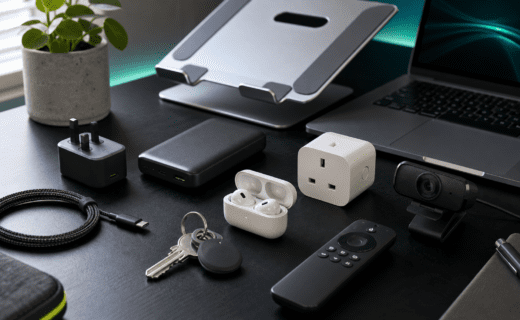
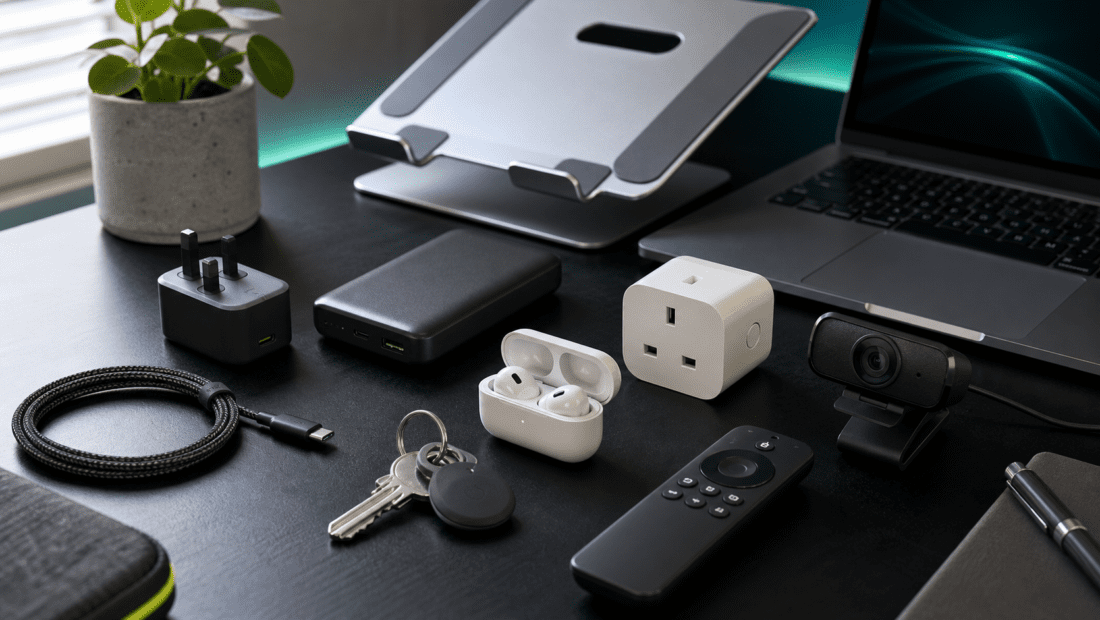
For most people, the most useful budget buys are practical accessories: a compact USB-C charger, a reliable power bank, a smart plug, a Bluetooth tracker, budget wireless earbuds, a basic webcam, a laptop stand, a streaming stick, and better charging cables.
None of these are exciting in the dramatic gadget sense. That is partly the point. Good budget tech quietly removes friction from everyday life.
The best budget tech gadgets should feel practical, reliable, and easy to recommend to someone who just wants useful everyday technology.
Before buying anything, check compatibility, return policy, warranty, and whether the product solves a real problem for you. A cheap gadget is only good value if it actually gets used.
Best Budget Tech Gadgets At A Glance
| Gadget type | Best for | What to check before buying |
|---|---|---|
| Compact USB-C charger | Faster phone/tablet/laptop charging | Wattage, USB-C PD, PPS, number of ports |
| 10,000mAh power bank | Travel, commuting, emergency charging | Capacity, output wattage, built-in cable, airline rules |
| Smart plug | Lamps, heaters, routines, energy tracking | App support, voice assistant support, energy monitoring |
| Bluetooth tracker | Keys, bags, wallets | iPhone/Android compatibility and replaceable battery |
| Budget wireless earbuds | Music, calls, commuting | Fit, battery life, water resistance, microphone quality |
| Basic webcam | Video calls and remote work | Resolution, microphone, mounting, light correction |
| Laptop stand | Desk comfort | Height, stability, portability |
| Streaming stick | Older TVs and spare rooms | HD/4K support, app availability, remote controls |
This is a buying guide, not a lab-tested ranking. Treat the products mentioned as useful examples to shortlist, then check current reviews, availability, and prices before buying.
Compact USB-C Charger
A good USB-C charger is one of the easiest tech upgrades to recommend.
Many phones no longer come with a charger in the box, and old slow plugs can make charging feel worse than it needs to. A compact 30W USB-C charger is usually enough for phones, earbuds, tablets, and lighter devices. A 65W charger is more useful if you also want to charge a laptop, handheld gaming device, or multiple devices from one plug.
Examples worth looking at include compact chargers from Anker and UGREEN. Anker’s UK products include small 30W Nano-style chargers, while UGREEN offers multi-port Nexode chargers for people who want more power from one plug.
Best for: phones, tablets, travel, desk setups, replacing old USB-A plugs
Why it is useful: faster charging in a smaller plug
Check before buying: wattage, USB-C Power Delivery, PPS support for some Samsung devices, number of ports, included cable
Useful links: Anker USB-C chargers, UGREEN chargers
10,000mAh Power Bank
A power bank is boring until you need one. Then it becomes one of the best gadgets you own.
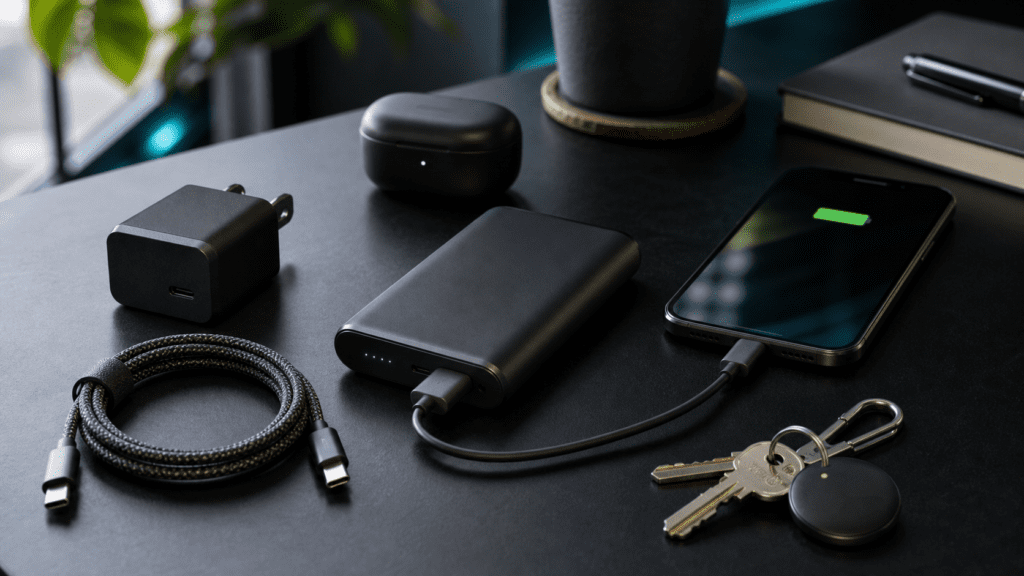
A 10,000mAh power bank is a sensible everyday size because it is portable but still useful. It can usually give a phone a meaningful top-up without becoming too bulky for a bag. Some newer models include built-in USB-C cables, which is helpful if you are tired of carrying separate leads.
Anker and Belkin both sell portable power banks in the UK, and there are plenty of alternatives from other accessory brands. The main thing is not the logo. It is the output wattage, build quality, safety certifications, and whether the ports match your devices.
Best for: commuting, travel, festivals, long days out, emergency charging
Why it is useful: gives your phone or earbuds a backup battery away from a socket
Check before buying: capacity, USB-C output, charging speed, weight, built-in cable, safety/warranty
Useful links: Anker power banks, Belkin power banks
Smart Plug
A smart plug is one of the cheapest ways to make a home feel a bit smarter.
You plug it into the wall, plug a lamp or appliance into it, and control it through an app or voice assistant. Some models also include energy monitoring, which can help you understand how much power a device is using.
TP-Link’s Tapo smart plug range is a common UK option, with models that include mini smart plugs and energy-monitoring versions. Smart plugs are especially useful for lamps, seasonal lights, dehumidifiers, fans, and routines such as turning a device off at night.
Be careful with high-power appliances. Always check the smart plug’s rated load and manufacturer guidance before using it with heaters, kettles, or anything that draws a lot of power.
Best for: lamps, routines, smart home beginners, energy awareness
Why it is useful: adds app/voice control to ordinary plug-in devices
Check before buying: maximum load, energy monitoring, app support, Alexa/Google/Apple compatibility
Useful links: TP-Link Tapo smart plugs
Bluetooth Tracker
If you regularly lose keys, bags, wallets, or luggage, a Bluetooth tracker can be a genuinely useful small purchase.
The main choice is ecosystem. Apple AirTag makes most sense for iPhone users. Samsung SmartTag is aimed at Samsung Galaxy users. Tile trackers are more platform-flexible, though the exact experience depends on your phone and the wider tracker network around you.
Do not buy a tracker only because it is cheap. Buy the one that works best with your phone.
Also think about privacy and safety. Item trackers are useful, but they can be misused. Learn how unwanted tracking alerts work on your phone and what to do if you receive one.
Best for: keys, bags, wallets, luggage
Why it is useful: helps you find everyday items before they become a problem
Check before buying: phone compatibility, battery type, range, app support, privacy alerts
Useful links: Apple AirTag, Samsung Galaxy SmartTag, Tile trackers
Budget Wireless Earbuds
You do not need premium earbuds for every use case.
Budget wireless earbuds can be perfectly good for podcasts, commuting, casual music, phone calls, and watching videos. Brands such as Soundcore and JBL often have lower-cost models that cover the basics well.
The tradeoffs are usually noise cancellation, microphone quality, app features, and sound quality. That does not mean budget earbuds are bad. It means you should buy them for the right job.
If you mainly listen to podcasts while walking, you probably do not need premium audio. If you take work calls every day in noisy places, microphone quality matters much more.
Best for: commuting, gym bags, podcasts, backup earbuds
Why it is useful: affordable wireless audio without risking expensive earbuds everywhere
Check before buying: fit, battery life, water resistance, microphone quality, app controls
Useful links: Soundcore earbuds, JBL earbuds
Basic Webcam
Laptop webcams are better than they used to be, but many are still unflattering in poor light.
A basic external webcam can improve video calls, online interviews, remote lessons, and family chats. Logitech’s C270 is a long-running entry-level option with 720p video, automatic light correction, and a built-in microphone, according to Logitech’s UK product page.
If you are buying today, also compare newer 1080p webcams. The C270 is a budget baseline, not the only sensible choice.
Best for: video calls, online lessons, basic remote work setup
Why it is useful: better angle and image quality than many old laptop webcams
Check before buying: 720p vs 1080p, microphone, mounting clip, lighting, operating system support
Useful links: Logitech C270 webcam
Laptop Stand
A laptop stand is not flashy, but it can make a desk setup much more comfortable.
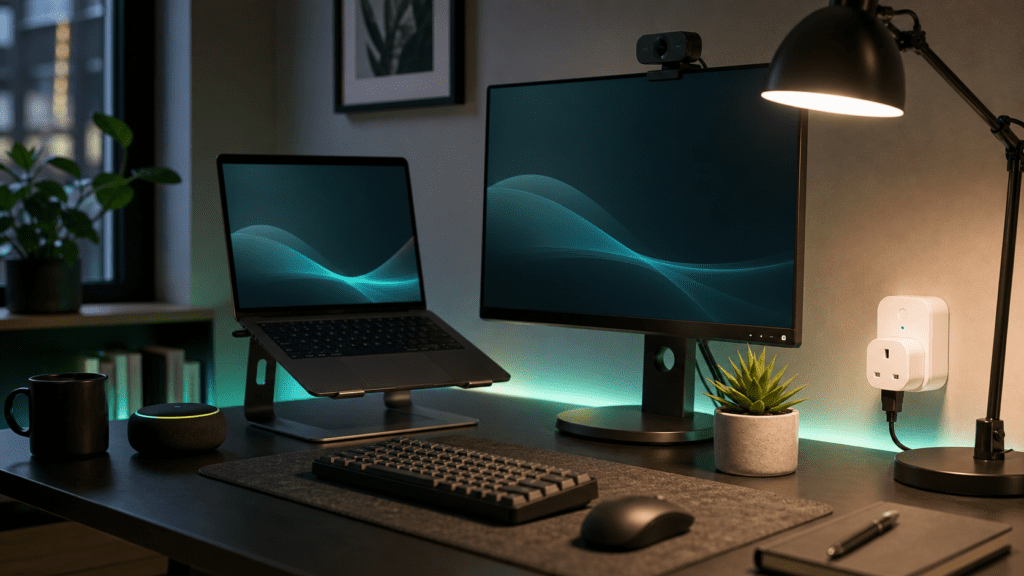
The goal is simple: raise the laptop screen closer to eye level. That can help reduce the hunched-over feeling that comes from working directly on a laptop for hours.
For a fixed desk, choose a sturdy stand. For travel or hybrid work, choose a foldable one. If you use a laptop stand for long sessions, pair it with a separate keyboard and mouse so your arms are not lifted awkwardly.
Best for: desk comfort, remote work, students, small home offices
Why it is useful: improves screen height and frees desk space
Check before buying: height, angle, stability, ventilation, portability
Useful links: check laptop stands from your preferred retailer
Streaming Stick
A streaming stick can make an older TV feel useful again.
If your TV is slow, missing apps, or stuck with an outdated interface, a streaming stick may be cheaper than replacing the whole television. Amazon’s Fire TV Stick HD is one budget option for 1080p TVs, while Fire TV Stick 4K models, Roku devices, Google TV devices, and Apple TV sit at different price and feature levels.
The main thing is to match the device to your TV. Do not pay extra for 4K if the TV is only 1080p, unless you plan to move the stick to a 4K TV later.
Also check app availability. The best streaming stick is the one that supports the services you actually use.
Best for: older TVs, spare rooms, streaming apps, travel TVs
Why it is useful: cheaper than replacing a TV just for better apps
Check before buying: HD vs 4K, app support, remote controls, Wi-Fi, subscriptions required
Useful links: Amazon Fire TV devices, Roku streaming players
Better Cables And Cable Labels
This is the least exciting recommendation in the article, and maybe one of the most useful.
Bad cables cause more frustration than people realise. They can charge slowly, fail quickly, or be the reason a device does not connect properly. A couple of good USB-C cables, a longer cable for the sofa or bedside table, and simple cable labels can make everyday tech less annoying.
For USB-C, check whether the cable is only for charging or also supports data/video. If you are charging laptops, check the wattage rating. If you are connecting monitors, check display support.
Best for: chargers, desks, bags, home organisation
Why it is useful: reduces cable confusion and charging frustration
Check before buying: wattage, data speed, length, durability, connector type
Useful links: Anker cables, UGREEN cables, Belkin cables
What To Avoid
Budget tech is only good value when it is safe and useful.
Be careful with:
- Unknown chargers with no clear safety information
- Very cheap power banks from brands you cannot verify
- Smart home devices with poor app reviews or unclear support
- Fake high-capacity storage drives
- Knock-off earbuds pretending to be premium models
- Products with suspiciously perfect reviews
- Anything that needs a subscription you did not expect
If a product is unusually cheap, ask why. Sometimes it is a genuine deal. Sometimes it is old stock, weak support, poor build quality, or a misleading listing.
How To Choose Budget Tech That Is Actually Worth It
Start with the problem, not the gadget.
Ask:
- Will I use this every week?
- Does it replace something annoying?
- Is it compatible with what I already own?
- Can I return it if it is not right?
- Is the brand or retailer trustworthy?
- Does it need an app, account, or subscription?
- Is there a warranty?
For budget tech, reliability matters more than novelty. A slightly more expensive charger from a known brand is usually better value than the cheapest unknown plug on a marketplace.
FAQ
What Is The Most Useful Budget Tech Gadget?
For most people, a compact USB-C charger or power bank is the most useful budget tech gadget because it solves a daily problem.
Smart plugs, Bluetooth trackers, and budget earbuds are also strong choices if they fit your routine.
Are Cheap Tech Gadgets Worth Buying?
Some are. The best cheap tech gadgets solve simple problems and come from brands or retailers you can trust.
Avoid products with unclear safety information, fake specs, or suspicious reviews.
Should I Buy Budget Tech From Amazon?
Amazon can be convenient, but check the seller, reviews, return policy, and whether the product is genuine. For chargers, power banks, storage, and smart home devices, it is worth being cautious.
If SignalTrove later uses Amazon affiliate links, we will make that clear with disclosure.
What Budget Tech Should I Avoid?
Avoid unknown chargers, fake storage drives, suspiciously cheap power banks, knock-off earbuds, and smart devices from brands with poor app support.
These products can waste money or create safety and privacy problems.
What Makes A Gadget Good Value?
A gadget is good value if it solves a real problem, lasts long enough, works with your existing devices, and does not introduce hidden costs.
Cheap is not the same as good value.
Final Recommendation
If you are building a useful budget tech setup, start with the basics:
- A good USB-C charger
- A reliable power bank
- Better cables
- A smart plug if you want simple home automation
- A Bluetooth tracker if you lose things often
Then add extras based on your life: earbuds for commuting, a webcam for calls, a laptop stand for desk comfort, or a streaming stick for an older TV.
The best budget tech gadgets are not the ones that look most impressive online. They are the ones that quietly make everyday life easier.
SignalTrove will keep building practical consumer tech buying guides for everyday users.